.webp)
Written by:
Pierce J.
Published:
September 16, 2026
Learn how to safely unmount a wall-mounted TV, soundbar, and hidden cables before a move, plus how to patch the wall and pack the mount for transport.
Moving a wall-mounted TV setup is a different job than lifting a TV off a stand. You are dealing with a mounting bracket bolted into studs or drywall anchors, a tangle of cables often run inside the wall or hidden behind a cover, and usually a soundbar or speaker bar mounted just below the screen. Get the order of operations wrong and you can end up with a cracked screen, a stripped wall anchor, or a soundbar dangling by its own cable.
This guide walks through unmounting the whole setup safely, packing the mount and bracket hardware so it survives the move, and dealing with the wall itself so your old place doesn't lose you a deposit.
You need a stud finder or the original mount's stud locations, a set of Phillips and Allen keys sized to the mount's hardware, a second person, and a soft surface to set the TV down on. Most tilting or full-motion mounts also require a small hex key that came in the box, so check your junk drawer before assuming you need a new one.
Keep a small parts bag or a labeled sandwich bag for every screw, washer, and spacer you remove. Wall mount hardware is rarely universal, and losing even one bolt can mean the mount won't tighten properly at the new house. Photograph the bracket layout on the wall before you touch anything, since that photo becomes your reinstallation guide later.
Most wall mounts release with a lever, a pull-tab, or by lifting the TV slightly and sliding it up and off the bracket rails. Never pull straight forward, since that puts stress on the mounting plate screws still attached to the back of the television.
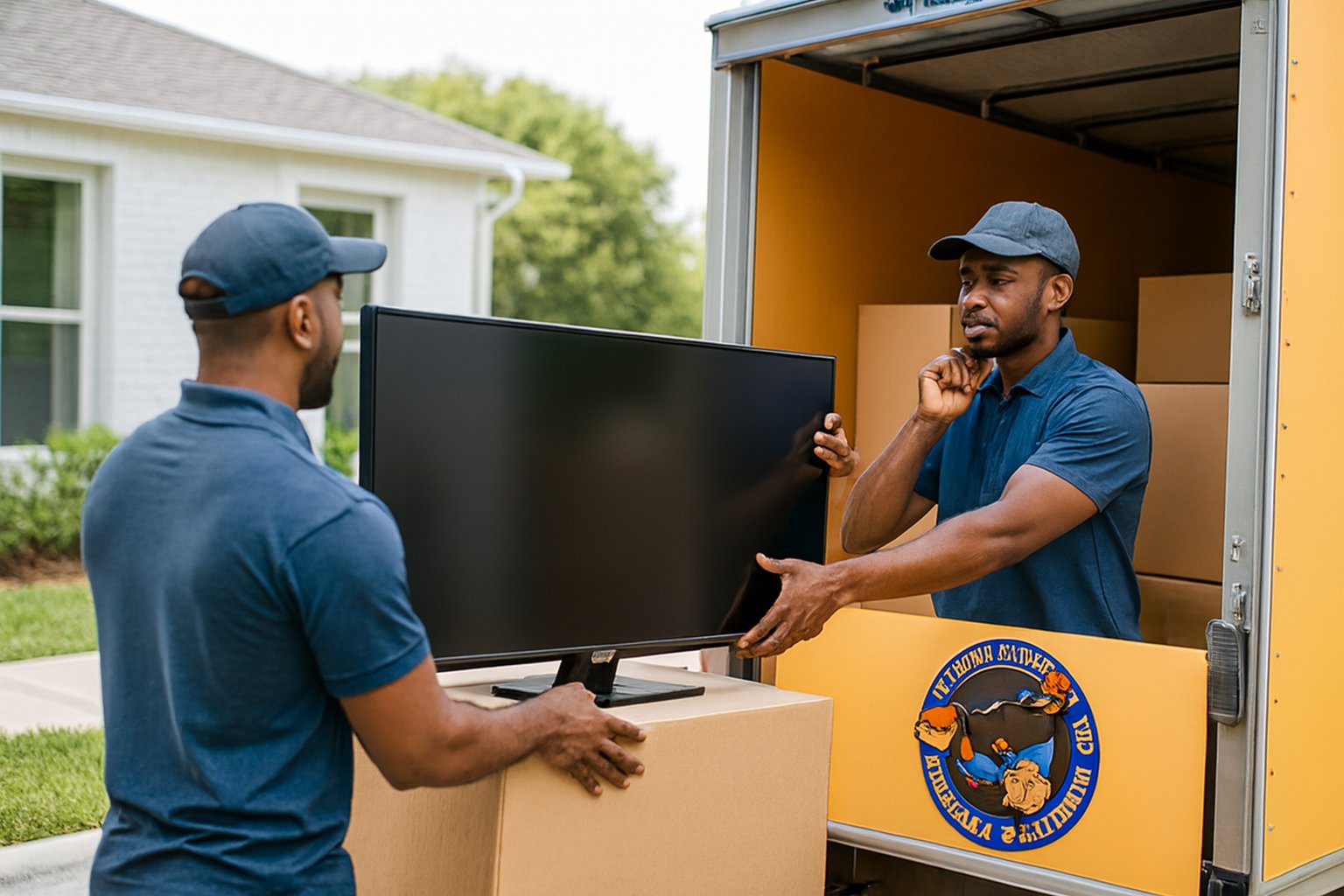
With one person supporting the TV's weight from below and the other guiding the release mechanism, lift the screen up along the mount's rail path, then tilt the bottom edge out and away from the wall. Set it face-down on a moving blanket immediately, and never lean a large screen against furniture edges or door frames while you sort out the rest of the room.
The bracket plate usually stays on the wall unless you're leaving that mount behind for the new occupant, which is worth deciding before moving day. If you're taking it, back out the lag bolts or toggle anchors slowly and have someone support the plate so it doesn't drop and gouge the drywall on its way down.
A soundbar mounted below the TV usually has its own small bracket or adhesive mount, separate from the TV bracket, so treat it as its own removal step rather than assuming it comes off with the screen. Disconnect the HDMI or optical cable at the soundbar end first, since yanking the TV away with cables still threaded through a wall channel is the single most common way people damage in-wall wiring.
If your setup uses an in-wall cable management kit (a power grommet and HDMI pass-through behind the TV), pull the cables back out through the wall plate gently, working from both ends. Coil each cable and tape it to the matching component so you're not guessing which cord belongs to what when you reassemble at the new place.
The TV should travel upright in its original box if you kept it, or in a TV moving box with corner foam if you didn't. Screens should never lie flat under other items, and they should never ride in a hot trunk or an unheated truck section during extreme temperatures.
Wrap the disassembled bracket arms in a moving blanket or bubble wrap so the tilt mechanism and bolts don't scratch other furniture in transit. Put all hardware bags inside the TV box or tape them directly to the mount itself; a bag of bolts loose in a general parts box tends to vanish by the time you need it again.
Filling the anchor holes takes ten minutes and matters most if you're renting. Use a small amount of spackle over each hole, let it dry, and do a light sand and a dab of matching paint if you have it, so the wall doesn't flag a bigger charge on your move-out inspection.
If you're leaving the mount installed for the next resident or a future TV, at least remove the TV plate hardware and cap any exposed bolts so nobody snags a hand on them while the room sits empty during your move.
A single large TV on a fixed mount is manageable for two capable people, but a full-motion mount, a large sectional soundbar system, or a screen over 65 inches gets safer with an extra set of hands. If the mount is anchored into brick, tile, or a fireplace surround, the removal itself gets more technical and a crew experienced with specialty moving for oversized or fragile items is worth the call.
Coordinating the electronics teardown with the rest of your move day is also easier when it's built into your overall plan rather than handled last-minute; our moving day timeline and checklist covers where a task like this fits into a realistic schedule.
Reinstallation is the removal process in reverse, but the stud-finding step matters just as much the second time. Use the photo you took of the original bracket layout as a reference for cable routing and mount height, and check that the wall type at your new place (drywall, plaster, brick) matches the anchor hardware you brought with you.
If you're not confident locating studs or working around unfamiliar wall material, it's reasonable to leave the TV boxed until you can either do it carefully or bring in help. A cracked screen from a rushed remount costs far more than waiting a day.
If your move involves a lot of electronics, specialty furniture, or other items that need careful handling beyond the TV itself, our team can help with the heavy lifting so you can focus on the setup details. Get a moving quote and let us know what's on the list.
No, the TV and its mounting plate need to be separated before transport. Moving a TV while still attached to any part of the bracket puts uneven stress on the screen's mounting points and risks cracking the panel if the bracket shifts during the drive.
It helps but isn't required. If you don't have it, wrap the bracket arms in moving blankets and place all bolts and spacers in a labeled bag taped directly to the bracket so nothing gets separated in transit.
Fill each anchor hole with a small amount of spackle, let it cure, then lightly sand and touch up with matching paint if available. This is especially worth doing in a rental to avoid a wall repair charge during move-out inspection.
Yes, and it usually should be. Most soundbars use their own bracket or adhesive mount independent of the TV bracket, so unmount and pack it as its own item rather than assuming it will detach along with the television.
It's better to keep the TV upright in its original box or a TV moving box with corner foam. Laying a flat-panel screen flat, especially with other items stacked on top, is a common cause of internal panel damage that doesn't show up until you power it on.
Whether it’s a full home move or just a few heavy items, Hustle and Muscle Moving is ready to help you sort it out.